
Download KidDesktop – Safe Digital Space for Kids, Parental Control, Child-Friendly Interface
Overview
KidDesktop is a purpose-built software solution designed to create a secure and controlled digital environment for children. Its primary function is to help parents manage their children’s access to digital content by transforming the standard desktop interface into a safe, customizable workspace. By limiting access to only approved applications and resources, KidDesktop reduces the risk of exposure to inappropriate online material, addressing a growing concern among families navigating the digital landscape. The app is especially beneficial for households where children use shared or family devices, offering a way to maintain individualized, age-appropriate experiences without requiring technical expertise from parents.
Target users include parents, caregivers, and educators seeking a reliable tool to promote responsible technology use among young users. Real-world applications include home learning environments, family computers, and classroom settings where digital safety and content control are essential. The software supports the development of foundational digital literacy by allowing children to explore tools and games within a safe framework. While the developer did not provide additional technical details, the app’s long-standing presence in the market since its release on December 30, 2011, indicates consistent relevance and user trust. KidDesktop fills a critical niche in the digital parenting ecosystem by combining usability with robust safety features, making it a valuable utility for modern families.
Key Features & Functionality
- Customizable User Accounts: Parents can create individual profiles for each child, allowing tailored desktop environments. This feature enables age-specific content and application access, ensuring that younger users are not exposed to mature or complex tools.
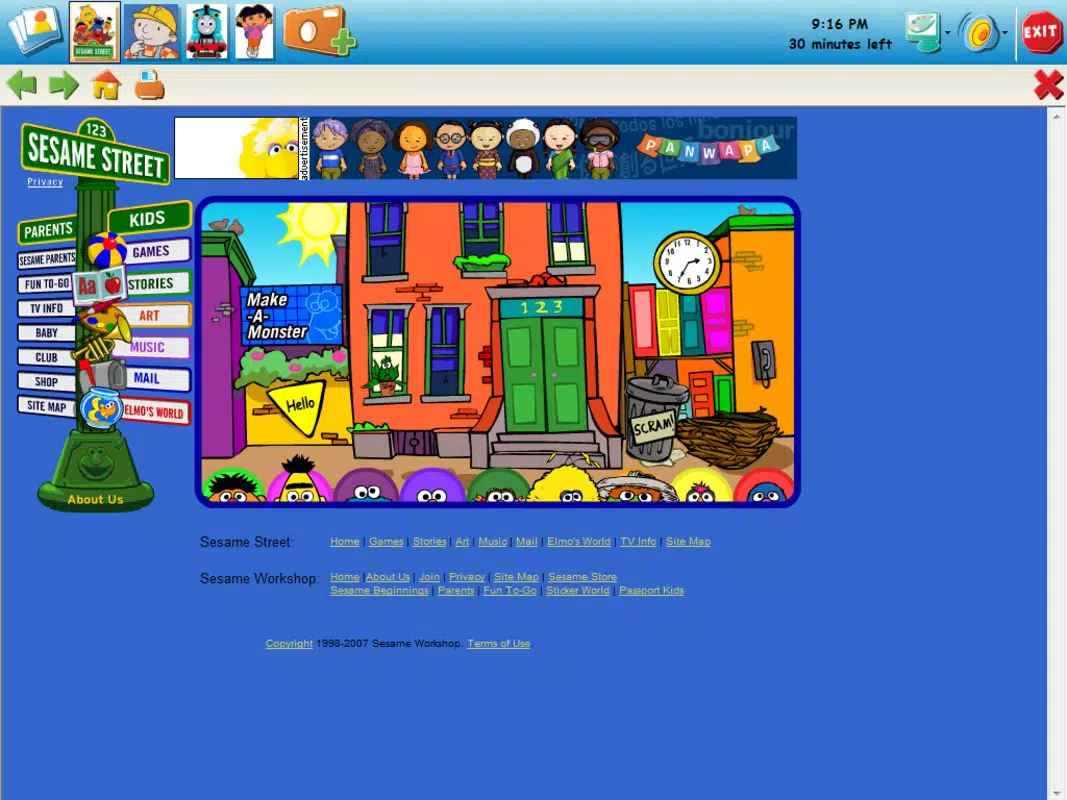
- Safe Browsing Environment: The application restricts access to only designated, pre-approved websites and resources, preventing accidental exposure to harmful or inappropriate content during online activities.
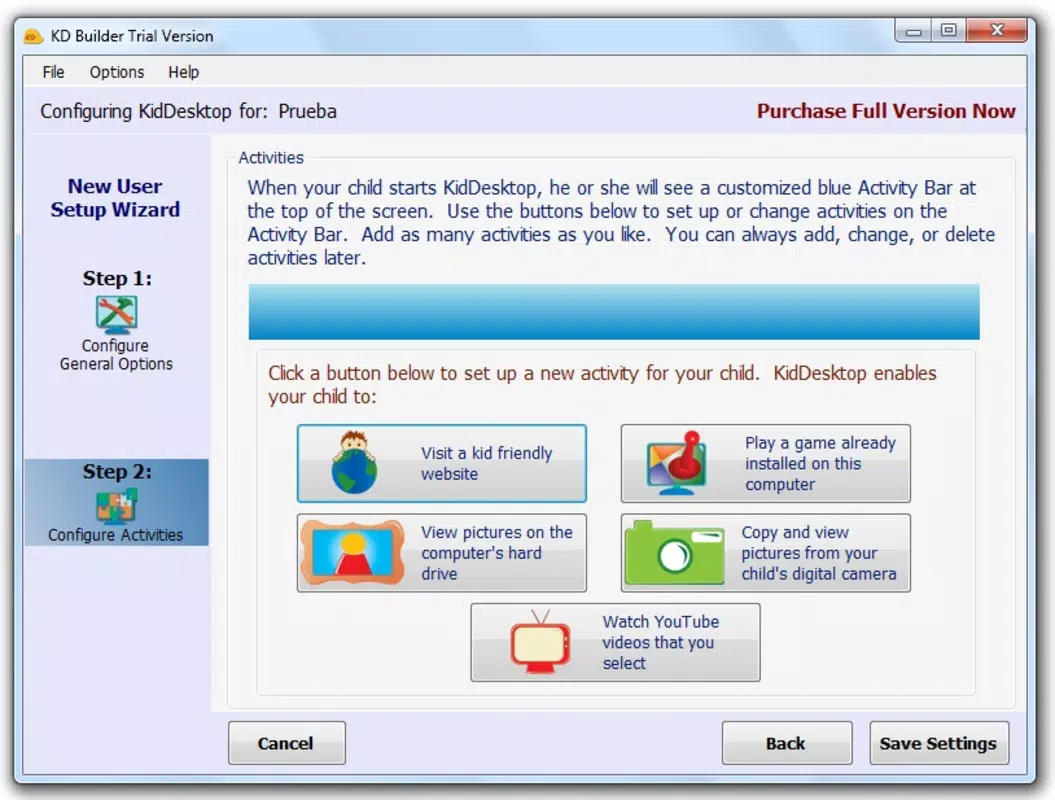
- User-friendly Control Panel: A simple, intuitive interface allows parents to add, remove, or modify available applications and resources without needing advanced technical knowledge.
- Empty Desktop Starting Point: The program launches with a clean, blank desktop, giving parents full control over what appears. This ensures that only vetted apps, games, and tools are accessible from the outset.
- Encourages Responsible Use: By providing a structured digital space, KidDesktop helps children learn to navigate technology safely and thoughtfully, fostering early digital citizenship skills.
For example, a parent can set up a profile for a 7-year-old with only educational games and approved learning apps, while a 12-year-old’s account may include more advanced tools and safe research websites. The ability to customize content on a per-user basis supports both safety and developmental appropriateness. This level of control is particularly useful in shared family environments where multiple children of different ages use the same device.
Interface, UX & Performance
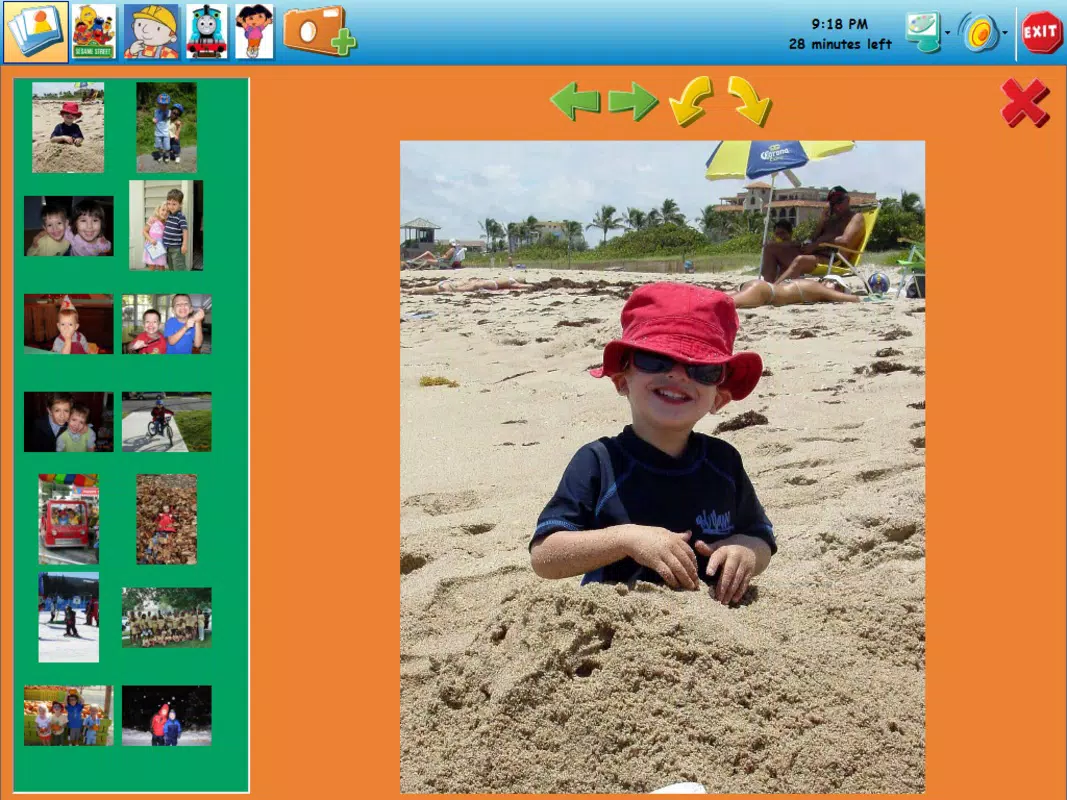
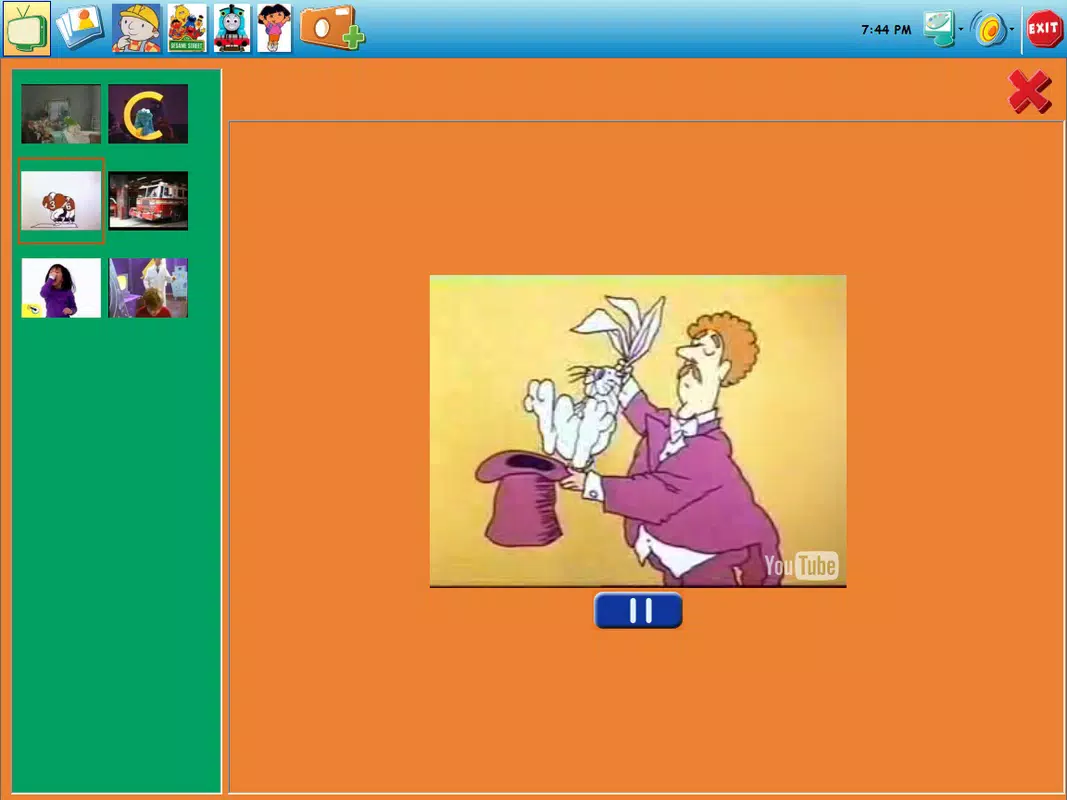
KidDesktop features a clean, minimal interface that prioritizes clarity and ease of use. The desktop layout is intentionally simple, with a focus on accessibility for both children and parents. Navigation is straightforward, allowing users to quickly access their designated applications and resources. The control panel is designed with non-technical users in mind, using clear labels and logical workflows to guide parents through setup and management tasks.
Although the developer did not list formal performance metrics, the app’s long-standing availability suggests a stable and reliable operation across various device configurations. It is expected to function efficiently on standard desktop systems, maintaining responsiveness even when multiple user profiles are active. The interface remains consistent and visually uncluttered, reducing cognitive load for young users. Stability is further supported by the app’s foundational design, which avoids unnecessary background processes that could impact system performance.
Platform Compatibility & Technical Requirements
KidDesktop is designed for desktop operating systems, though the specific platform and version were not disclosed by the developer. The file size of the application is also not specified. Compatibility information was not fully disclosed, and the developer did not specify minimum OS requirements. As such, users should verify system compatibility before installation.
Given its release date of December 30, 2011, the app may have been originally developed for older versions of Windows. However, it may still function on current systems, depending on the operating system and hardware configuration. Users are advised to check their system specifications and consult official documentation if available. The lack of updated technical details means that performance on modern devices should be evaluated on a case-by-case basis.
Pros and Cons
Pros
- Provides a secure, child-friendly digital environment with parental oversight.
- Allows customization of user accounts for different age groups.
- Offers a clean, empty desktop starting point for full content control.
- Features an intuitive control panel suitable for non-technical users.
- Encourages responsible technology use through structured access.
Cons
- Specific platform and OS requirements were not listed.
- File size and version details were not provided.
- Performance on modern systems may vary without official compatibility information.
- Limited technical support details were available.
- May require manual updates to maintain compatibility with evolving systems.
FAQ
Is KidDesktop safe for children?
Yes, KidDesktop is specifically designed to create a safe digital space by restricting access to only approved content and applications, minimizing exposure to inappropriate material.
Can I customize the desktop for multiple children?
Yes, the app allows parents to set up individual user accounts, each with its own customized desktop environment and content access.
Does KidDesktop require technical knowledge to use?
No, the control panel is designed to be user-friendly, making it accessible even for parents with limited technical experience.
Is KidDesktop available for mobile devices?
The app is designed for desktop systems. Specific platform availability was not disclosed.
How often should I update KidDesktop?
While update frequency was not specified, regular checks for updates are recommended to ensure continued compatibility and security.
Final Thoughts
KidDesktop stands out as a thoughtful solution for families seeking to balance digital access with safety. Its customizable profiles, secure browsing controls, and intuitive interface make it a practical tool for promoting responsible technology use among children. Despite limited technical details, the app’s enduring presence in the market speaks to its reliability and user value. It is especially suited for parents who want to maintain control over their children’s digital experiences without relying on complex software. By offering a blank canvas for content curation, KidDesktop empowers families to build a safe, educational, and engaging digital space tailored to each child’s needs.
Download KidDesktop now


